
You can export your timesheet history using the settings dashboard.
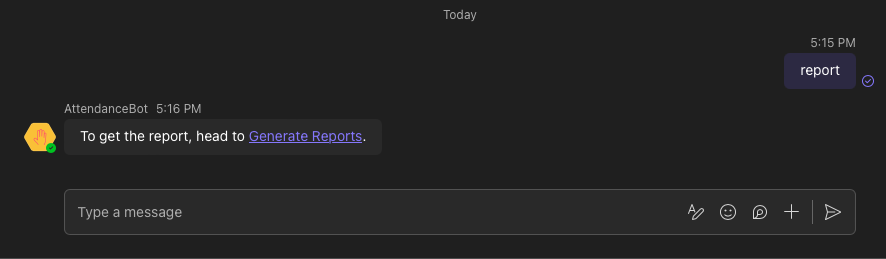
- Please type "report" as a direct message to the app and click on the link prompted
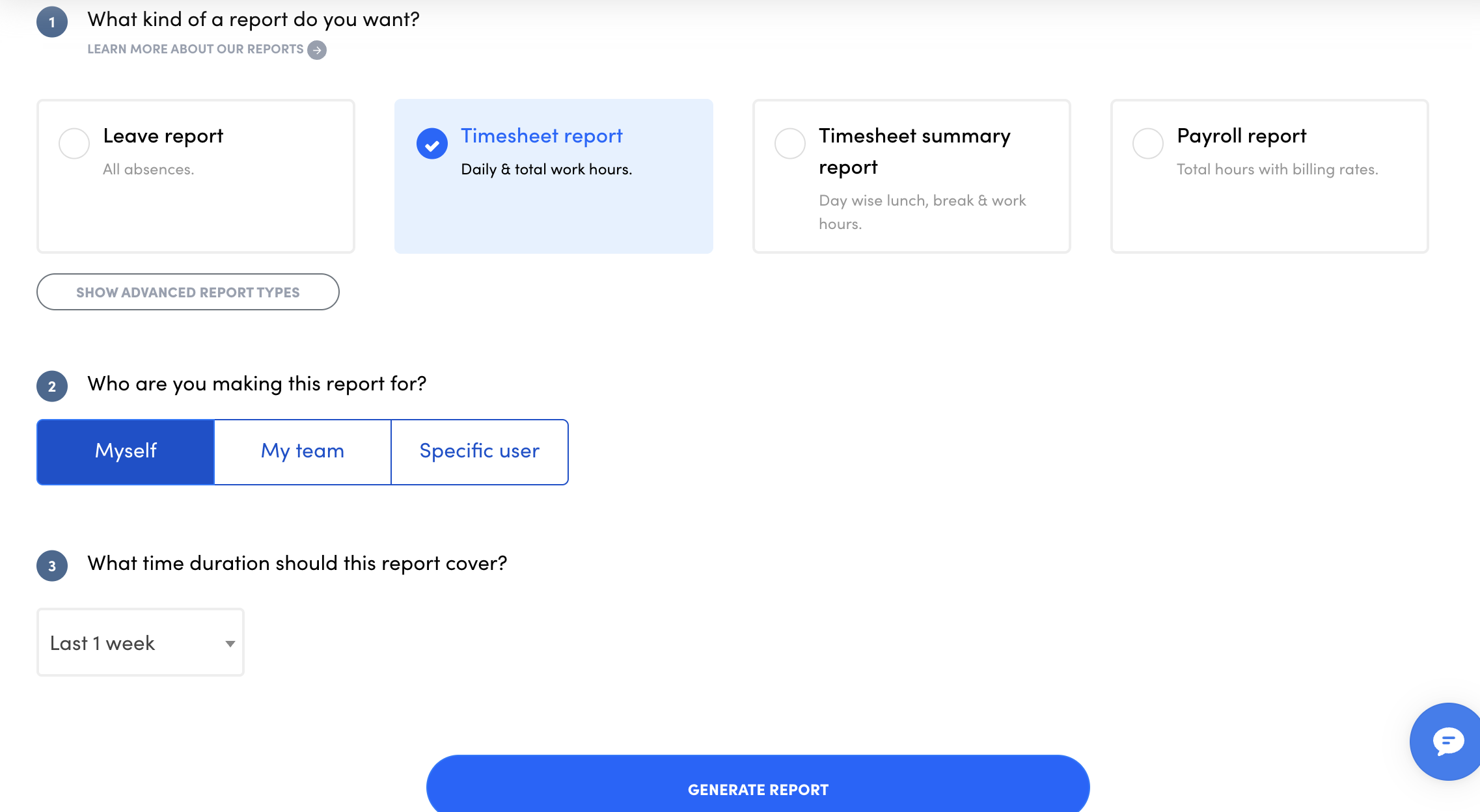
- Select "Timesheet report" as the report type with other details and hit generate report.
Note:
- To download a report for each employee, please select "specific user" in the filter, click on the employee name and select generate report.
- To download a report for work hours for a specific project or a client, just follow this article